Quick Reads

Best Travel Tech for 2026

November 7, 202614 min read

Trailhead Trivia Field Desk14 min read

Why the right travel tech matters

The best trips rarely go wrong in big ways. They go wrong in small ones: a phone that dies at the trailhead before you've pulled up the map, a nine-hour flight next to an engine that hums through cheap earbuds, a memory card that corrupts on day six and takes the sunrise at Mesa Arch with it. Good travel tech isn't about owning the most gadgets. It's about packing a few things that quietly remove those small failures.

This guide covers twelve products across four categories — cameras, headphones, laptops and accessories — chosen for the kinds of trips Trailhead Trivia readers take: national park road trips, long flights, camping weekends and working remotely from wherever the Wi-Fi reaches. We focused on what each product is good for on the road, who it suits, and one honest reason it might not be right for you.

A quick note on how we wrote it: we haven't run lab tests on these products, and we don't list prices, star ratings or rankings, because they change constantly and Amazon is the place to check them. What you'll find here is plain-language guidance on fit — the questions to ask before you buy, and the trade-offs that matter once you're actually out there.

Start with the quick comparison below if you already know what you're shopping for, or read straight through for the full picture.

As an Amazon Associate, Trailhead Trivia earns from qualifying purchases. Links below go to Amazon; we may earn a commission at no extra cost to you.

Quick comparison

ProductTypeBest forShop
DJI Osmo Pocket 3Travel cameraTravel video, vlogging and adventuresCheck price
Kodak PIXPRO FZ55Travel cameraAffordable vacation photographyCheck price
Sony ZV-1 IITravel cameraTravel creators and content productionCheck price
Apple AirPods Pro 3HeadphonesFlying and everyday travelCheck price
Sony WH-1000XM6HeadphonesPremium noise cancellationCheck price
Bose QuietComfort HeadphonesHeadphonesLong flights and comfortCheck price
Apple MacBook Air 13-inch M5LaptopLightweight remote work and travelCheck price
ASUS Zenbook 14LaptopWindows users and remote workCheck price
Microsoft Surface LaptopLaptopProductivity while travelingCheck price
Apple AirTagAccessoryLuggage trackingCheck price
Samsung Portable SSDAccessoryBacking up travel photos and videosCheck price
Anker Portable Power BankAccessoryKeeping devices charged while travelingCheck price

Best Travel Cameras

Your phone is a great camera, so a dedicated one has to earn its spot. These three do it in different ways: smooth stabilized video, a cheap zoom you won't worry about, and a creator-focused compact.

DJI DJI Osmo Pocket 3Best for: Travel video, vlogging and adventures

DJI

DJI Osmo Pocket 3

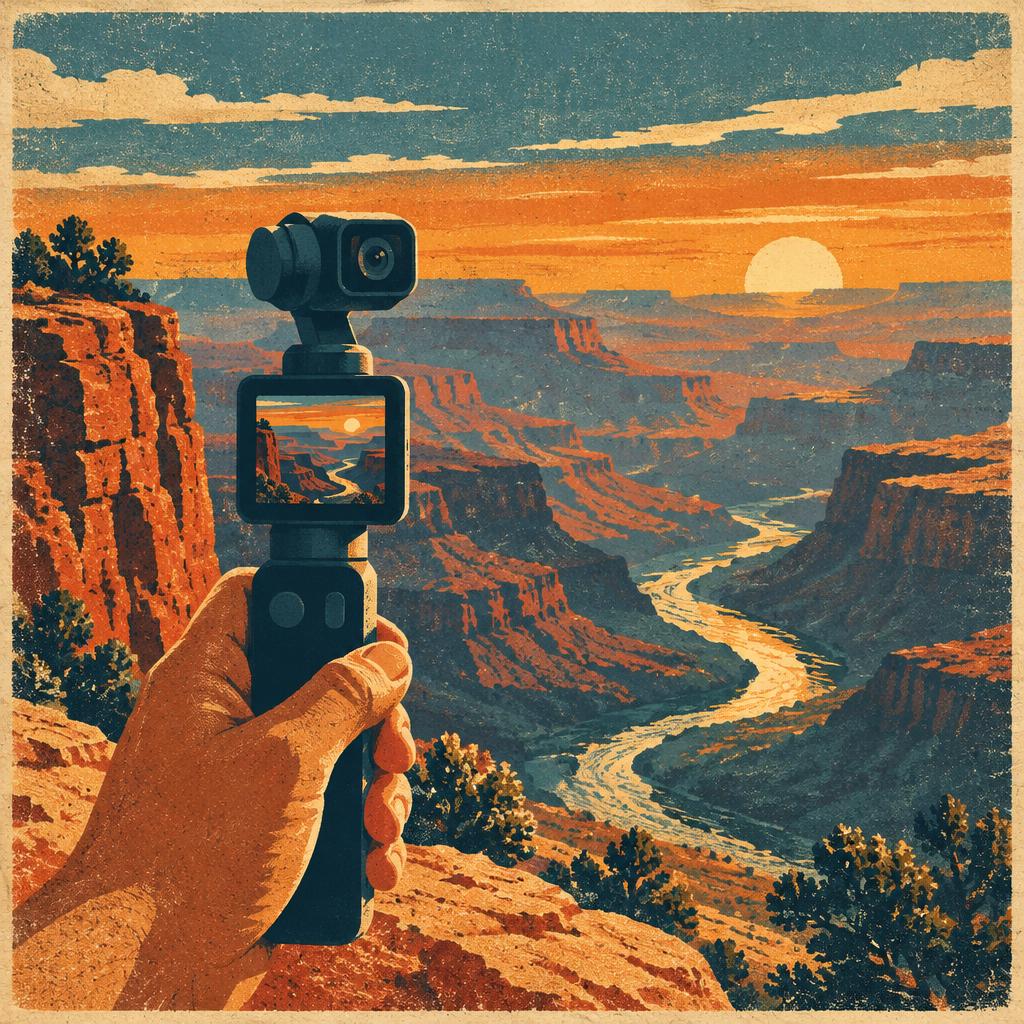
A pocket-sized camera on a built-in motorized gimbal, so walking shots along a boardwalk or canyon rim come out smooth without a separate stabilizer.

Who it's for: For travelers whose walking videos look shaky. If you want to film a boardwalk stroll or talk to the camera while exploring, the built-in gimbal gives you a compact way to steady the shot.

  • Built-in gimbal steadies handheld video on the move
  • Small enough for a jacket pocket or hip belt
  • Rotating screen makes it easy to film yourself

Keep in mind: The gimbal is a moving part, so it needs a case and some care around sand, spray and drops.

Search on Amazon
Kodak Kodak PIXPRO FZ55Best for: Affordable vacation photography

Kodak

Kodak PIXPRO FZ55

A simple point-and-shoot with an optical zoom lens — a budget-friendly way to give kids or a travel partner their own camera.

Who it's for: For travelers who want a simple camera separate from their phone. Give a child or travel partner their own camera for daytime sightseeing without handing over your phone.

  • Optical zoom reaches farther than most phone main lenses
  • Light and simple, with point-and-shoot controls
  • Low-stakes camera for beaches, kids and campsites

Keep in mind: Small sensor, so low light and fast action look noticeably softer than on a newer phone.

View on Amazon
Sony Sony ZV-1 IIBest for: Travel creators and content production

Sony

Sony ZV-1 II

A compact camera built around vlogging, with a wide zoom lens and a flip-out screen, for creators who want more than a phone without hauling a camera bag.

Who it's for: For creators who film themselves at every stop. A flip-out screen helps frame you and the view when you are recording a travel diary without a camera operator.

  • Wide lens fits you and the view in one frame
  • Flip-out screen for framing selfie video
  • Pocketable compared to interchangeable-lens cameras

Keep in mind: No built-in gimbal, so walking video is shakier than on a stabilized pocket camera.

Search on Amazon

Best Headphones for Flying

Engine drone, crying babies and terminal announcements are tiring. Noise cancellation turns them down. Pick earbuds if bag space matters most, or over-ears if comfort on long flights comes first.

Apple Apple AirPods Pro 3Best for: Flying and everyday travel

Apple

Apple AirPods Pro 3

Noise-canceling earbuds that disappear into a pocket — an easy pick for iPhone users who want quiet on the plane and transparency on the trail.

Who it's for: For iPhone travelers who want pocket-sized headphones for flights and everyday stops. Use noise cancellation on the plane, but stay alert to your surroundings when walking near traffic or on trails.

  • Active noise cancellation for planes and trains
  • Transparency mode keeps you aware on trails and streets
  • Tiny charging case packs easily

Keep in mind: Best features rely on Apple devices; Android users lose much of the convenience.

View on Amazon
Sony Sony WH-1000XM6Best for: Premium noise cancellation

Sony

Sony WH-1000XM6

Sony's flagship over-ear headphones, aimed at travelers who want the strongest possible quiet for long-haul flights and noisy terminals.

Who it's for: For travelers tired of cabin noise drowning out a podcast. Over-ear noise cancellation is worth considering when you spend hours on flights and have room in your bag for headphones.

  • Flagship-level noise cancellation
  • Over-ear fit for long listening sessions
  • Works with phones, tablets and laptops alike

Keep in mind: Over-ear headphones take real bag space compared to earbuds.

Search on Amazon
Bose Bose QuietComfort HeadphonesBest for: Long flights and comfort

Bose

Bose QuietComfort Headphones

Over-ear headphones known for a soft, light fit — the kind you can forget you're wearing halfway through a red-eye.

Who it's for: For people whose ears get uncomfortable midway through a long flight. Consider a comfort-focused over-ear fit for a red-eye or train journey; fit is personal, so check return options.

  • Comfort-focused padding for hours of wear
  • Noise cancellation for cabin and road noise
  • Folds into a travel case

Keep in mind: Bulkier than earbuds, and a second thing to charge.

View on Amazon

Best Lightweight Travel Laptops

If you work on the road, weight, battery and the operating system you already use matter more than raw power. Here's one Mac and two Windows picks.

Apple Apple MacBook Air 13-inch M5Best for: Lightweight remote work and travel

Apple

Apple MacBook Air 13-inch M5

Apple's thin, fanless laptop, refreshed with the M5 chip in 2026 — a quiet, light machine for working from a lodge, campground café or tray table.

Who it's for: For travelers who work and sort photos between destinations. If you answer emails at a café and back up camera files at the lodge, a lightweight Mac may fit your routine; pack any card reader or hub you need.

  • Thin and light enough for a daypack sleeve
  • Fanless design runs silently
  • Apple silicon is built for long battery life

Keep in mind: Limited ports, so pack a small USB-C hub if you offload camera cards.

View on Amazon
ASUS ASUS Zenbook 14Best for: Windows users and remote work

ASUS

ASUS Zenbook 14

A slim 14-inch Windows laptop line that balances screen size and weight for travelers who live in Windows apps.

Who it's for: For travelers whose job runs on Windows. If you need familiar work apps while moving between hotels, check a Zenbook configuration that matches your software and storage needs.

  • 14-inch screen is roomier than 13-inch for spreadsheets
  • Slim build for carry-on bags
  • Runs familiar Windows software

Keep in mind: Zenbook 14 comes in many configurations — check the chip, memory and screen on the exact listing.

Search on Amazon
Microsoft Microsoft Surface LaptopBest for: Productivity while traveling

Microsoft

Microsoft Surface Laptop

Microsoft's own clean, touchscreen Windows laptop — a good fit if your work runs on Office and Teams.

Who it's for: For travelers who review documents and plan routes on the same laptop. A touchscreen can suit quick markups between meetings, but confirm the exact model works with your apps.

  • Touchscreen for quick markups and maps
  • Made by the company that makes Windows
  • Comes in multiple sizes

Keep in mind: Several generations are sold at once, so confirm you're buying the current model.

Search on Amazon

Essential Travel Tech Accessories

The small stuff saves trips: a tracker for checked bags, a backup drive for your photos, and power for days without outlets.

Apple Apple AirTagBest for: Luggage tracking

Apple

Apple AirTag

A coin-sized tracker you drop into a checked bag or camera case, so you can see where it is from your iPhone.

Who it's for: For iPhone users who worry about checked luggage on connecting flights. Put a tracker in your bag to help locate it through the Find My network; it is not a guaranteed live GPS tracker or theft protection.

  • Locate checked bags from your phone
  • Tiny and light
  • Uses a replaceable coin battery

Keep in mind: Needs an iPhone, and a holder or keyring is sold separately.

Search on Amazon
Samsung Samsung Portable SSDBest for: Backing up travel photos and videos

Samsung

Samsung Portable SSD

A palm-sized drive for copying each day's photos and video off your camera or laptop, so one lost card doesn't erase a trip.

Who it's for: For travelers filling memory cards with photos and video every day. Copy the files to a compatible drive at the hotel so you have a second copy before the next outing; keep another backup separately.

  • Fast backups at the end of each day
  • Pocket-sized with no moving parts
  • Works with laptops, tablets and many phones

Keep in mind: A backup in the same bag can be lost with the bag — add a cloud copy when you get Wi-Fi.

Search on Amazon
Anker Anker Portable Power BankBest for: Keeping devices charged while traveling

Anker

Anker Portable Power Bank

A battery pack that keeps your phone alive through a long day of trail maps, photos and offline trivia decks.

Who it's for: For travelers who burn through phone battery taking photos, recording video and using maps. If you are nearly out of charge before sunset, a power bank can keep a compatible device going away from outlets. Check the output and cable before charging a camera.

  • Recharges phones, earbuds and cameras away from outlets
  • Many sizes, from pocket to laptop-capable
  • USB-C on most current models

Keep in mind: Airlines limit battery size in carry-ons and don't allow them in checked bags — check the capacity before you fly.

Search on Amazon

How to choose the right travel tech

Start with what fails you now. If your phone is always at 15% by lunch, a power bank fixes more than a new camera ever will. If you dread long flights, headphones come first. Buy for the problem you actually have.

Count the weight and the chargers. Every device adds a cable, a charger and a little weight. Before adding something, check whether it charges over USB-C like the rest of your kit. One good multi-port charger can replace three bricks.

Match your ecosystem. AirPods and AirTags shine with an iPhone and lose much of their convenience on Android. A Mac makes sense if your phone and photos already live in Apple's world; a Windows laptop makes more sense if your work runs there. Fighting your own devices on the road is no fun.

Think about the environment. Dust in Moab, spray at Yosemite's waterfalls, cold mornings at Lassen and sand on the coast are hard on electronics. A padded case, a dry bag and a lens cloth cost little and protect a lot. Batteries also drain faster in cold weather, so keep phones and power banks in an inside pocket.

Check the rules before you fly. Airlines generally require spare lithium batteries and power banks to travel in your carry-on, not checked luggage, and limit their capacity. Check your airline's current rules before packing a large battery.

Plan for no signal. Many national parks have little or no cell service. Download offline maps, park guides and your Trailhead Trivia decks before you lose coverage, and don't count on a cloud backup until you're back in range.

Back up every night. Copy the day's photos and video to a second place — a laptop, a portable SSD, or the cloud when you have Wi-Fi. Keep the backup separate from the camera if you can, so one stolen bag doesn't take both.

Frequently asked questions

Do I need a separate camera if I have a good phone?

Not always. Newer phones handle most travel photos well. A separate camera earns its place when you want something your phone does poorly: smooth walking video (a gimbal camera like the Osmo Pocket 3), more zoom (a point-and-shoot like the PIXPRO FZ55), or creator-friendly controls (the ZV-1 II).

Earbuds or over-ear headphones for flying?

Over-ear headphones usually block more noise and are comfortable for longer, but they take real bag space. Earbuds pack into a pocket and double for walking and the gym. Frequent long-haul flyers often prefer over-ears; light packers usually pick earbuds.

Can I bring a power bank on a plane?

In general, power banks must go in your carry-on, not your checked bag, and there are capacity limits. Rules vary by airline and country, so check before you fly.

What's the lightest way to work remotely while traveling?

A thin 13- or 14-inch laptop, a single USB-C charger that also charges your phone, and a small hub if you need card readers or extra ports. Download your work files before you head somewhere with poor signal.

How should I protect tech in national parks?

Use a padded case, keep a dry bag for rain and waterfall spray, wipe dust off lenses gently, and keep batteries warm in cold weather. Never leave electronics visible in a parked car at a trailhead.

Are AirTags useful for luggage?

Many travelers use them to see where a checked bag is when it doesn't arrive. They work best with an iPhone and need a holder or keyring to attach to a bag.

Final recommendations

If you only buy one thing, make it the one that fixes your most frequent travel headache. For most road trippers that's a power bank. For frequent flyers it's noise-canceling headphones — AirPods Pro 3 if you travel light with an iPhone, or the Sony WH-1000XM6 or Bose QuietComfort for long hauls. Creators should look at the Osmo Pocket 3, and remote workers at the MacBook Air M5 or a Windows ultrabook.

Whatever you pack, leave room for the trip itself. Before you go, play a national park trivia deck on the drive, browse more picks in the Gear Shop and Gear Deals, check the 25 best adventure gifts for the outdoorsy people on your list, and build your trip packing list so nothing gets left at home.

As an Amazon Associate, Trailhead Trivia earns from qualifying purchases.

Keep reading